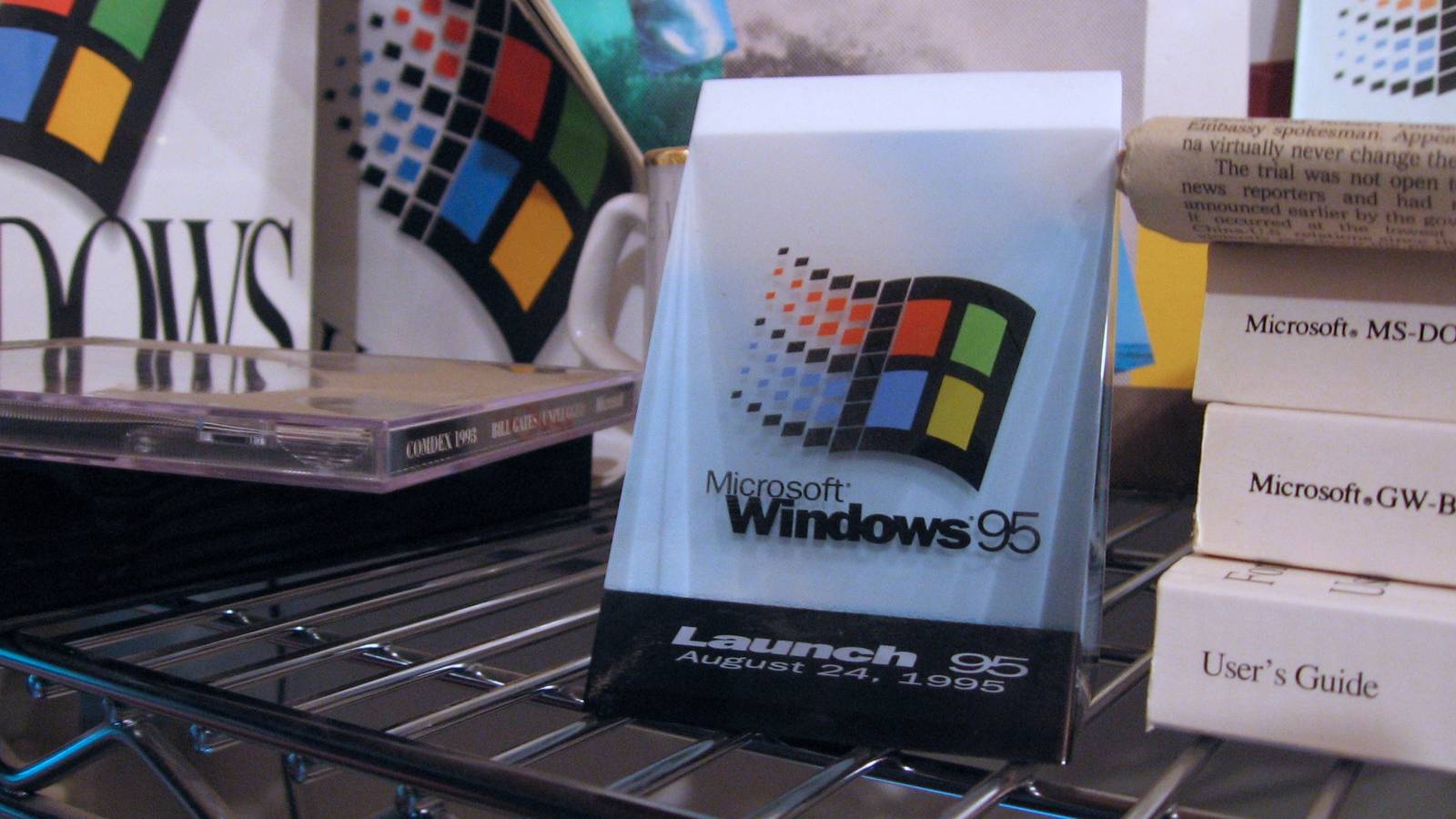
The topic A Microsoft engineer revealed Windows 95’s smart way for spotting installers… is currently the subject of lively discussion — readers and analysts are keeping a close eye on developments.
This is taking place in a dynamic environment: companies’ decisions and competitors’ reactions can quickly change the picture.
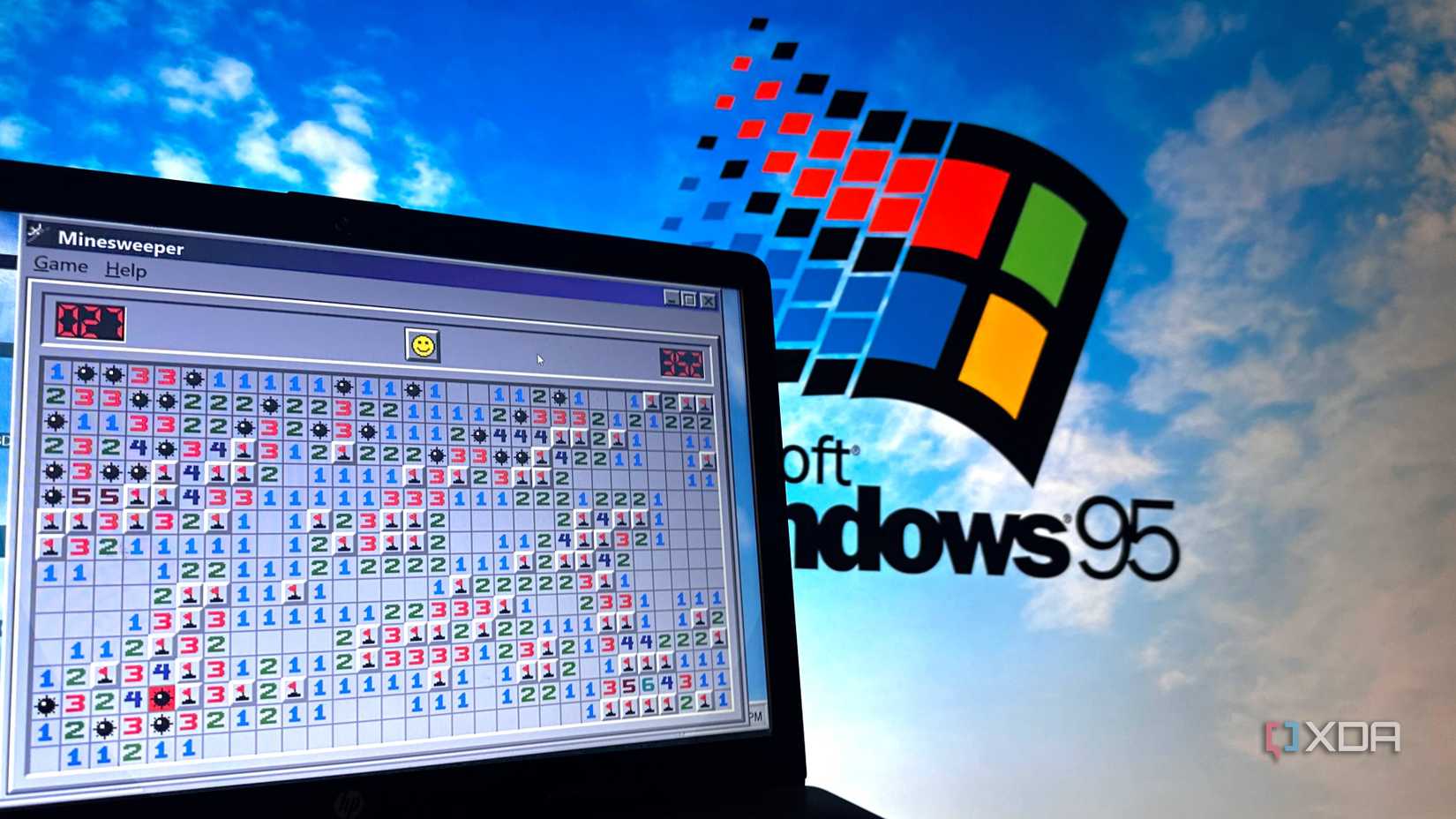
Back in the early days of Windows 95, the developers had to deploy some clever fixes to get the operating system to work properly. One of its developers had a problem: it wanted to make sure that software installers never overwrote a file with an older version. To do that, it had to detect that a software installer was running in the first place. So, how did it do that? Easy; it guessed.
As spotted by Tom’s Hardware, Microsoft developer Raymond Chen explained on the official Microsoft blog, The Old New Thing, how Windows 95 detected a running setup program. It didn’t check what it was doing or the operations it was performing; instead, it took a peek at the program’s name. If it contained a “magic word,” it flagged it as a setup program.
You’ll notice that “install” has been flagged as redundant. Chen speculates it’s because Windows 95 can look for “inst” in an application, and it will still catch apps with the name “install,” “installer,” and “installation” in the name. At the same time, it can also catch any apps named something like “appinst,” where a developer truncated the word “install.”
Even if the app didn’t contain the word “install,” Windows did a check on its executable path to see if that contained the word instead. If Windows detected the magic words in either source, it would do a quick check once it finished to make sure it didn’t overwrite any files with older versions. In modern-day standards, it’s a pretty rudimentary check, but it’s still a clever piece of engineering given what they were working with.